

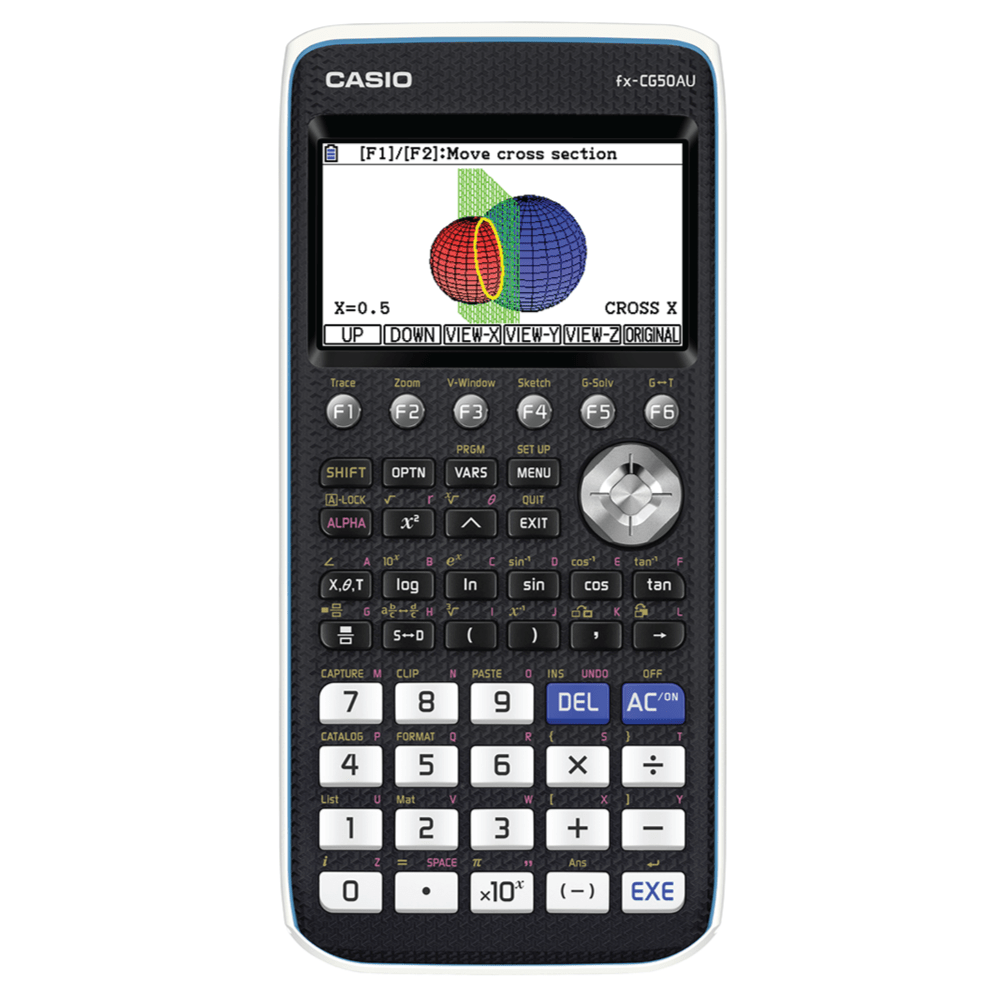
The fx-CG50AU is CASIO’s next-generation 3D colour graphic model that carries on the tradition of innovation.
The CASIO fx-CG50AU graphing calculator hosts the same great features of its predecessor – the fx-CG20AU, but also includes a new 3D graphing function, catalog function and E-CON4 application.
It also has 4.5 MB of storage memory built-in, the same as the fx-CG20AU. For existing users, the new machine operates the same way but with improved technology and faster calculation.
DOWNLOAD fx-CG50AU USABLE MANUAL
*2026 will be the final year to buy a CASIO fx-CG50AU graphing calculator. We recommend changing your school’s booklist and/or recommendation list to the fx-1AU GRAPH for 2026.
THE fx-1AU GRAPH - YOUR REPLACEMENT TO THE fx-CG50AU FROM 2026
THE fx-1AU GRAPH - YOUR REPLACEMENT TO THE fx-CG50AU FROM 2026
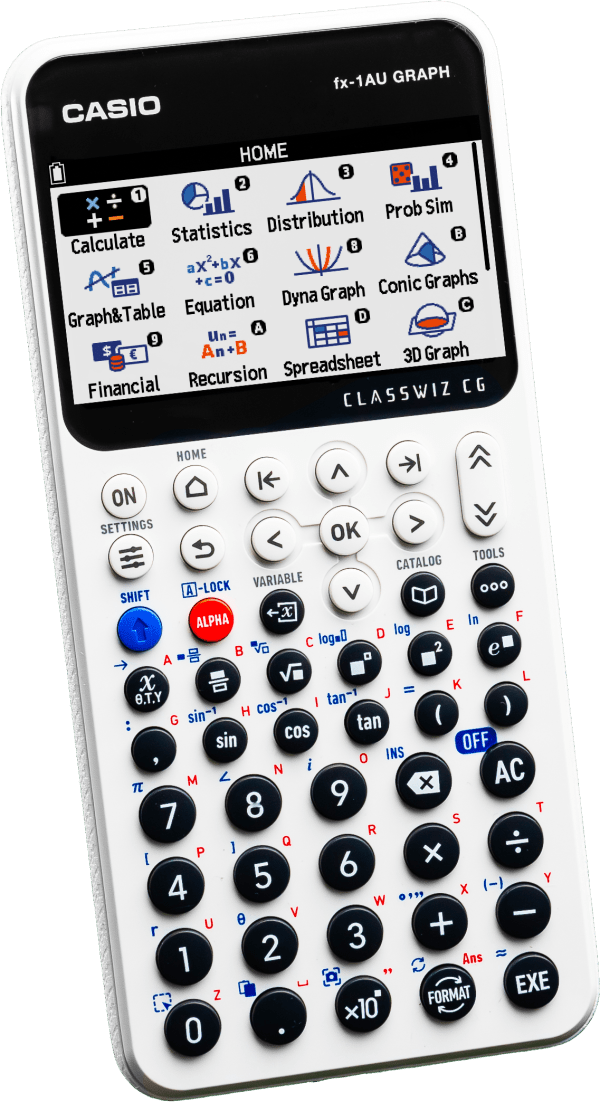
A new graphics calculator is now available.
All the functionality you know and love from the CASIO fx-CG50AU graphing calculator but with an intuitive, new user interface. The layout has been updated to make navigation more straightforward, with improved access to commonly used functions and applications.
Enhanced applications of the fx-1AU GRAPH include:
- Integrated Graph & Table App for viewing equations and corresponding values in one place
- Advanced probability simulation for exploring distributions and statistical concepts
- A new web-based emulator for demonstrating functions
Video resources to help you get started with the fx-1AU GRAPH are available, including walkthroughs of key features and step-by-step guides for common tasks.
If you have any questions, please contact us at edusupport@shriro.com.au.
FREE ONLINE fx-1AU GRAPH PD IN 2026:
Term 1:
Getting Started with the fx-1AU GRAPH
Date: Tuesday 20th January 2026
Time: 4:30-5:30pm AEDT
Register for this session here.
Our online sessions will be run through Zoom. Once registered, please read through your confirmation details and bookmark the link to attend this session if needed.
Please email us at edusupport@shriro.com.au if you have any issues.
Graph & Table on the fx-1AU GRAPH
Date: Wednesday 21st January 2026
Time: 4:30-5:30pm AEDT
Register for this session here.
Our online sessions will be run through Zoom. Once registered, please read through your confirmation details and bookmark the link to attend this session if needed.
Please email us at edusupport@shriro.com.au if you have any issues.
Statistics & Distribution on the fx-1AU GRAPH
Date: Thursday 22nd January 2026
Time: 4:30-5:30pm AEDT
Register for this session here.
Our online sessions will be run through Zoom. Once registered, please read through your confirmation details and bookmark the link to attend this session if needed.
Please email us at edusupport@shriro.com.au if you have any issues.
Getting Started with the fx-1AU GRAPH
Date: Tuesday 17th February 2026
Time: 4:30-5:30pm AEDT
Register for this session here.
Our online sessions will be run through Zoom. Once registered, please read through your confirmation details and bookmark the link to attend this session if needed.
Please email us at edusupport@shriro.com.au if you have any issues.
Graph & Table on the fx-1AU GRAPH
Date: Wednesday 18th February 2026
Time: 4:30-5:30pm AEDT
Register for this session here.
Our online sessions will be run through Zoom. Once registered, please read through your confirmation details and bookmark the link to attend this session if needed.
Please email us at edusupport@shriro.com.au if you have any issues.
Statistics & Distribution on the fx-1AU GRAPH
Date: Thursday 19th February 2026
Time: 4:30-5:30pm AEDT
Register for this session here.
Our online sessions will be run through Zoom. Once registered, please read through your confirmation details and bookmark the link to attend this session if needed.
Please email us at edusupport@shriro.com.au if you have any issues.
Term 2:
Getting Started with the fx-1AU GRAPH
Date: Monday 1st June 2026
Time: 4:30-5:30pm AEST
Register for this session here.
Our online sessions will be run through Zoom. Once registered, please read through your confirmation details and bookmark the link to attend this session if needed.
Please email us at edusupport@shriro.com.au if you have any issues.
Graph & Table on the fx-1AU GRAPH
Date: Tuesday 2nd June 2026
Time: 4:30-5:30pm AEST
Register for this session here.
Our online sessions will be run through Zoom. Once registered, please read through your confirmation details and bookmark the link to attend this session if needed.
Please email us at edusupport@shriro.com.au if you have any issues.
Statistics & Distribution on the fx-1AU GRAPH
Date: Wednesday 3rd June 2026
Time: 4:30-5:30pm AEST
Register for this session here.
Our online sessions will be run through Zoom. Once registered, please read through your confirmation details and bookmark the link to attend this session if needed.
Please email us at edusupport@shriro.com.au if you have any issues.
Fore more information, PD sessions in Term 3 & 4, and to stay updated with the fx-1AU GRAPH in-person PD days in your state:
Email: edusupport@shriro.com.au, or
HOW DO I ...
ON THE
fx-CG50AU
HOW DO I ... ON THE fx-CG50AU:
GRAPH APP | fx-CG50AU
Finding x and y values using a graph
Using the graph app, how to determine a function’s x and y values from its graph.
Total video time: 2:42
GRAPH APP | fx-CG50AU
Changing a graph’s view window
How to change the view window and some of the advantages and disadvantages of different views.
Total video time: 4:38
GRAPH APP | fx-CG50AU
Drawing a dynamic graph
How to draw an animated ‘dynamic’ graph showing the effect of changing a parameter upon the graph of a function. In particular, the effect of changing the gradient value “m” in a linear function of the form y=mx+c is addressed.
Total video time: 1:36
FINANCIAL APP | fx-CG50AU
Calculating loan repayments
How to calculate loan repayments on a reducing balance, compound interest loan using the Financial app.
Total video time: 3:22
EQUATION APP | fx-CG50AU
Finding the roots of polynomials
How to find the roots of a polynomial function up to degree 6, using the Equation app.
Total video time: 1:55
RUN MATRIX APP | fx-CG50AU
Performing trigonometric calculations
How to perform trigonometric calculations using the Run-Matrix app, in order to solve simple trigonometric equations.
Total video time: 1:38
GENERAL | fx-CG50AU
Transfering memory content
How to transfer memory content between the Main and Storage Memory.
Total video time: 2:27
TABLE APP | fx-CG50AU
Making a table of values
How to generate a table of values for a function using the Table app.
Total video time: 1:42
EXAM SOLUTIONS USING THE fx-CG50AU:
A focus has been given to using the CASIO fx-CG50AU graphing calculator in an exam environment.
Here, you’ll find worked solutions to past exams from Queensland and South Australia, all solutions work from Mathematical Methods level in their respective curricula.
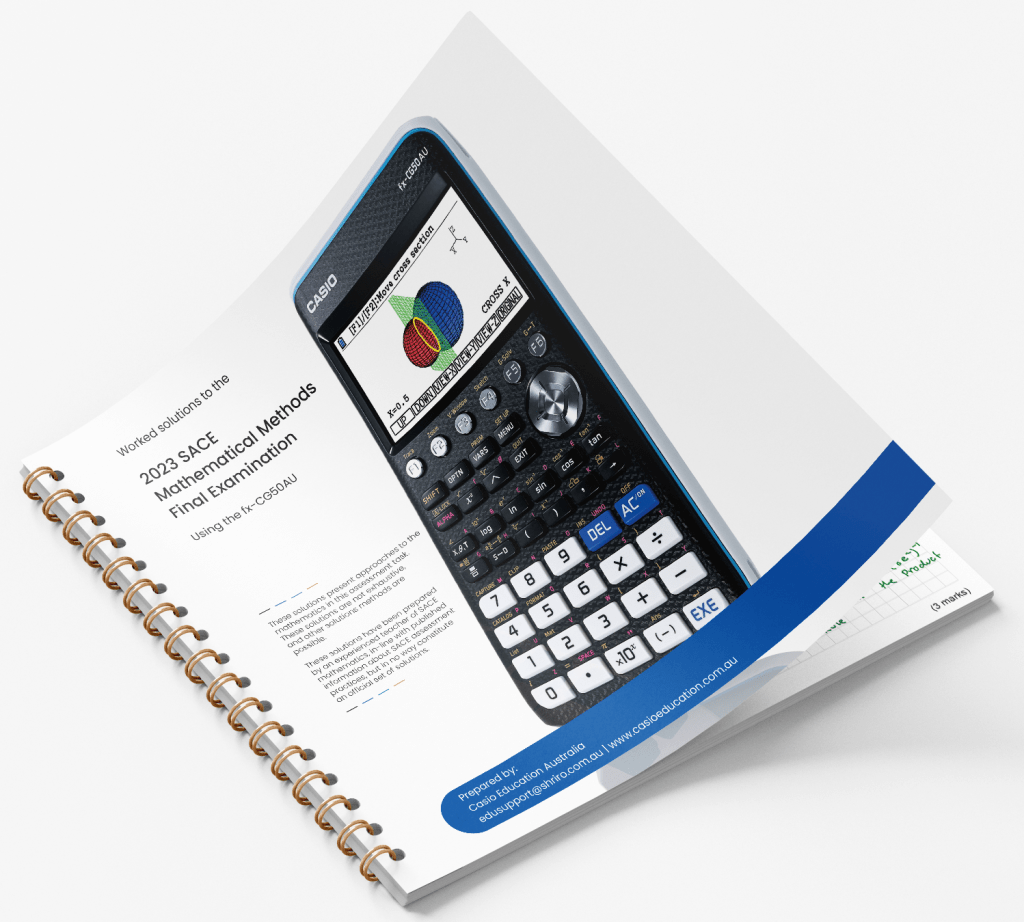
2023 SACE Methods Exam
Worked solutions, available in PDF, for students, teachers and tutors to use for future exam revision, or general activities during class.
2022 QCAA Methods Exam – Section 1
Solutions to questions 1 to 10 in Section 1 of the QCAA 2022 Mathematical Methods External Assessment – Paper 2 – Technology Active.
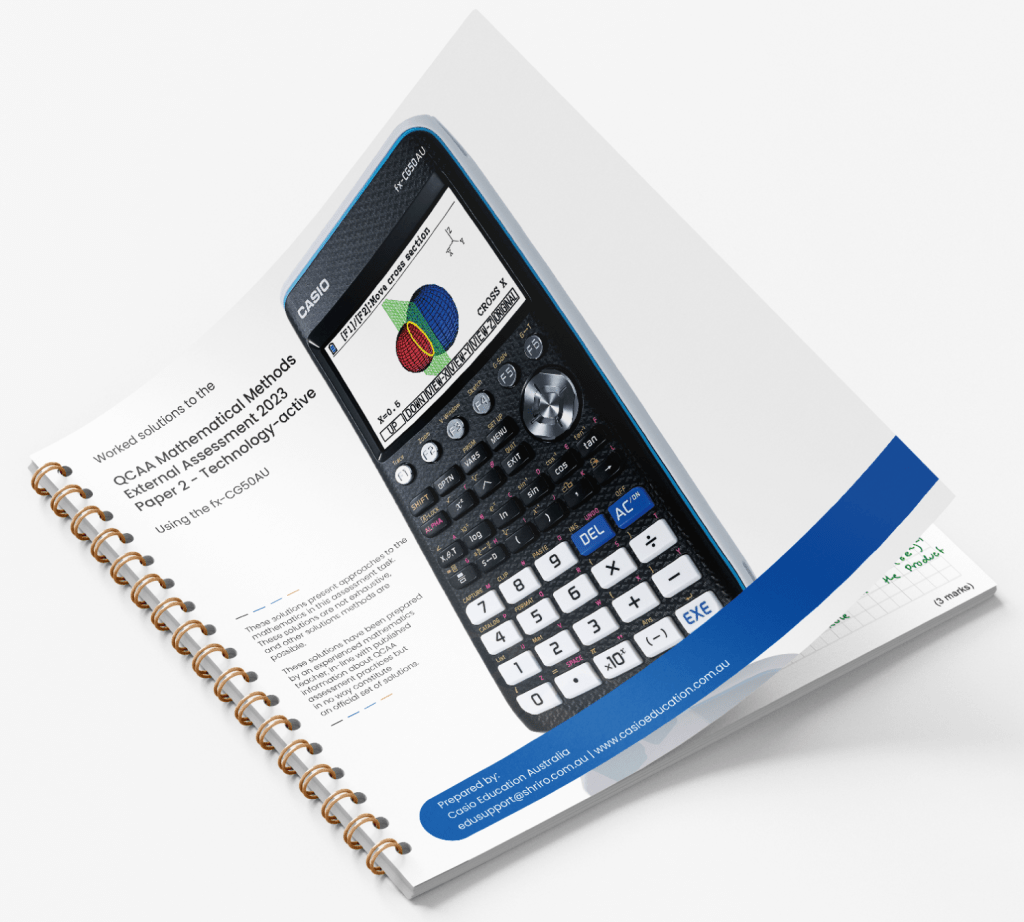
2023 QCAA Methods Exam
Worked solutions, available in PDF, to the QCAA Mathematical Methods – Paper 2 – External Assessment – Technology Active exam.
2022 QCAA Methods Exam – Section 2
Solutions to questions 11 to 19 in Section 2 of the QCAA 2022 Mathematical Methods External Assessment – Paper 2 – Technology Active.
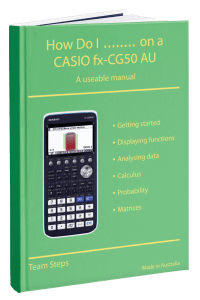
Designed for both teachers, students and parents, this manual will take you through best practice, navigation and highlights key mathematics examples to use in the classroom, or applied homework
Grab your free copy.
USABLE MANUAL:
Designed for both teachers, students and parents, this guide will take you through best practice, navigation and highlights key mathematics examples to use in the classroom, or applied homework
Grab your free copy.
FAQs
The fx-1AU GRAPH will replace the fx-CG50AU following its release in July 2025. We will still have the CASIO fx-CG50AU graphing calculators for sale until 2026, after which we encourage schools to transition to the newer model.
Yes! The CASIO fx-CG50AU graphing calculator is approved for use in the IBDP programme as well as many Australian state-based exam authorities.
Approval depends on the specific exam body, so it is recommended to check the latest approved calculator list for your state or programme. Even as the model is being discontinued, it will continue to be supported in exams while it remains on approved lists.
Yes. The CASIO fx-CG50AU graphing calculator remains approved for use in many Australian exam authorities and international programmes such as the IBDP. Approval depends on the specific exam body, so it is recommended to check the latest approved calculator list for your state or programme.
Even as the model is being discontinued, it will continue to be supported in exams while it remains on approved lists.
CASIO regularly updates its calculator range to reflect changes in curriculum requirements and classroom use. Following the release of newer models with updated functionality, the fx-CG50AU is being phased out and replaced by the fx-1AU GRAPH.
The CASIO fx-CG50AU graphing calculator is the Australian-specific version of the fx-CG50. It includes settings, features and approvals that align with Australian curriculum requirements and exam authorities, making it suitable for use in local classrooms and assessments.
Both models share the same core functionality. However, the fx-CG50AU is being discontinued, with 2026 confirmed as the final year it will be available for purchase. Please transition to the fx-1AU GRAPH, which is designed to meet current Australian curriculum and exam requirements going forward.
You can still buy the CASIO fx-CG50AU graphing calculator, as it remains a reliable model with 3D graphing, statistical analysis and a high-resolution colour display. It supports a wide range of functions required for senior mathematics and science subjects, including graphing multiple equations, running regressions, and working through calculus-based problems.
For students currently using this model or schools that still have it on their booklist, it continues to meet classroom and exam requirements. The interface is also familiar to many teachers, which helps maintain consistency in lessons and worked examples.
However, with the transition to the fx-1AU GRAPH, schools and students planning for future years may want to consider the newer model. This helps avoid needing to switch calculators mid-course and ensures alignment with updated booklists and teaching resources.
Yes! The emulator software for the CASIO fx-CG50AU graphing calculator is available for free through CASIO Education Australia. We provide this software for free through a program called Prime Schools Plus.
If you’re a current member, please login to your account to access your licence code and activation instructions. If you are not a member, or have questions about if you should have access, please contact us at edusupport@shriro.com.au.
Yes. Many of the core functions and workflows are similar, so existing teaching materials, lesson structures, and worked examples can still be used. Topics such as graphing, statistics, and equation solving follow the same underlying processes, which helps maintain continuity in the classroom.
When transitioning to the fx-1AU GRAPH, CASIO provides updated resources and guidance to help teachers adapt existing content where needed. This includes videos, emulator support, and model-specific materials that highlight any differences in layout or functionality, making it easier to update lessons without needing to start from scratch.
Yes! Please complete our PD request form and we’ll be in touch to set up your session/s at the time you’ve requested.
This PD is free-of-charge. You can request as many sessions as you would like.