

SOFTWARE | HANDHELD OS UPDATES & ADD-ONS
Access CASIO emulators and software for classroom teaching, lesson planning and calculator familiarisation. This section includes downloadable tools, web-based applications and system updates for supported calculator models used across the Australian curriculum.
Please find the calculator below that you wish to update and access available updates, tools and supporting resources.
fx-1AU GRAPH
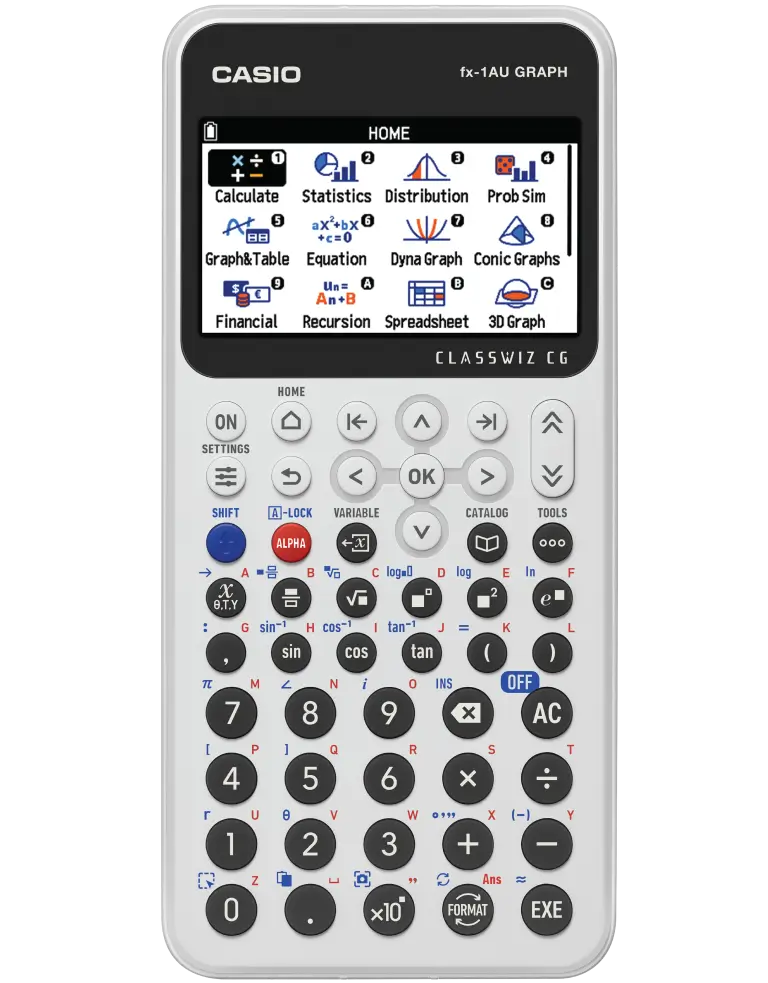
MAC | Download fx-1AU GRAPH OS Update:
- OS Version: 2.2
- Released: August 2026
———–
WINDOWS | Download fx-1AU GRAPH OS Update:
- OS Version: 2.2
- Released: August 2026
fx-1AU GRAPH Screen Receiver Download Instructions
MAC | Screen Receiver:
———–
WINDOWS | Screen Receiver:
Looking for fx-1AU GRAPH classroom resources?
fx-CP400 ClassPad II
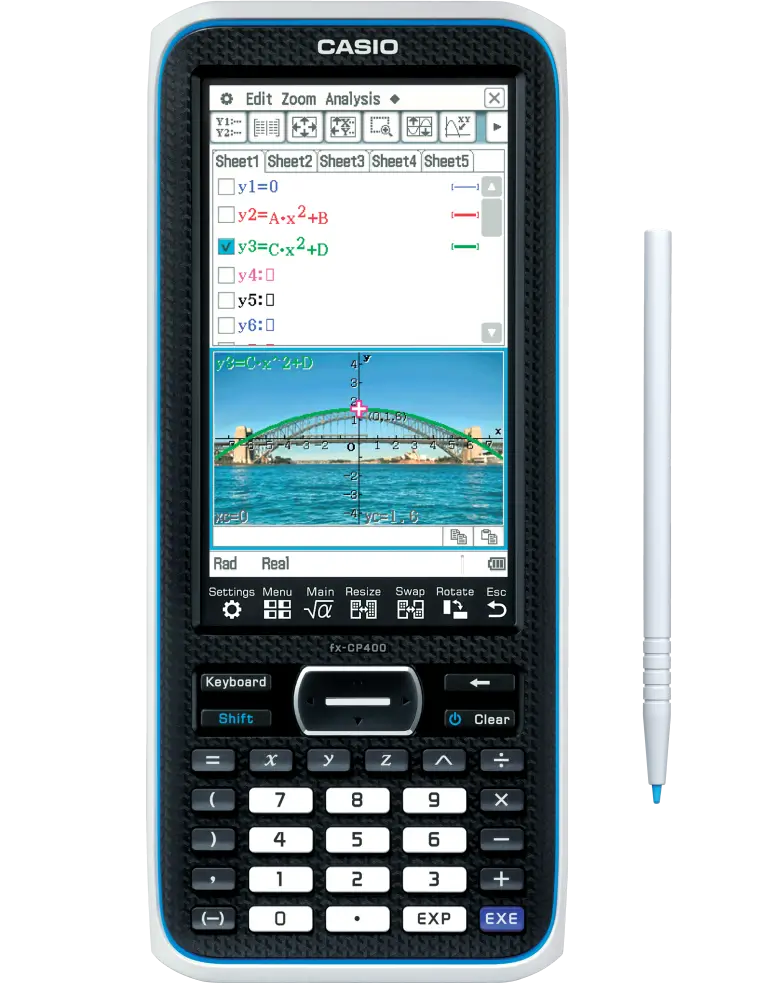
MAC | Download fx-CP400 OS Update:
- OS Version: v2.01.7003
- Released: December 2025
____
WINDOWS | Download fx-CP400 OS Update:
- OS Version: v2.01.7003
- Released: December 2025
MAC:
Download Latest Screen Receiver Add-on Software (Mac) Version 3.03a – Released January 2025
WINDOWS:
Download Latest Screen Receiver Add-on Software (Windows) Version 3.02a – Released January 2025
Hungarian Algorithm program:
HunAmin – DOWNLOAD NOW
HunAmax – DOWNLOAD NOW
How to download and install:
- How to download and install on your ClassPad emulator (PC and Mac):
Double click the xcp file for each program that you wish to use.
The corresponding program will be saved to the Variable Manager of your ClassPad Manager and can then be accessed via the Main or Program app.
- How to transfer the programs onto your handheld device:
- Connect your handheld to your PC or Mac via the supplied USB cable.
- On the handheld, choose Connection Mode – USB Flash
- Drag and drop the xcp file(s) onto the ClassPad II’s USB Drive on your computer
- Close the USB Drive and eject the ClassPad from your computer
CreateM Program – DOWNLOAD NOW
invBinNR – DOWNLOAD NOW
invBinNL – DOWNLOAD NOW
Download Physium for the fx-CP400 ClassPad II
Looking for fx-CP400 classroom resources?
Discontinued Models | fx-CG50AU
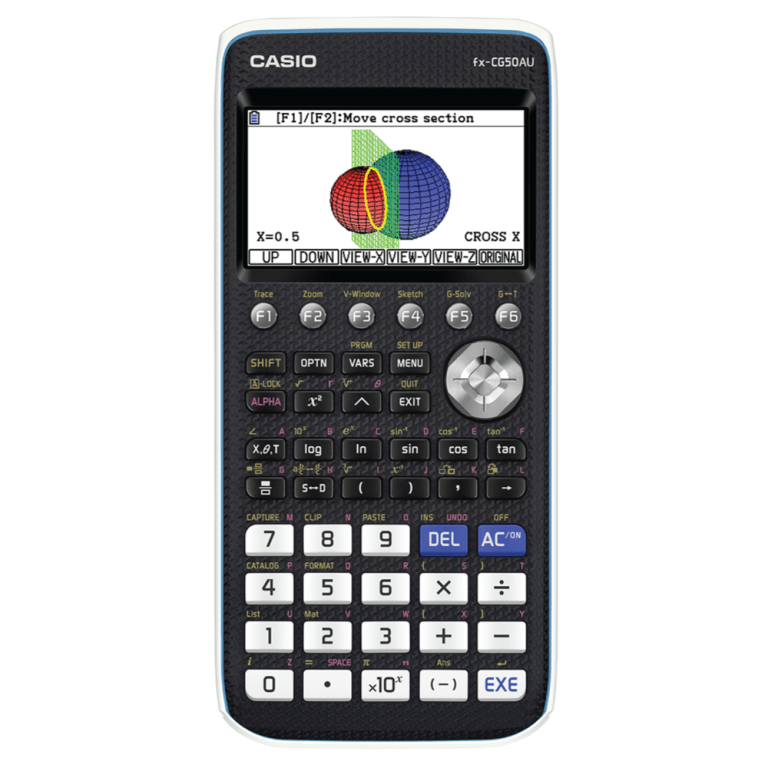
MAC | Download fx-CG50AU OS Update:
- OS Version: v3.81
- Released: October 2025
____
WINDOWS | Download fx-CG50AU OS Update:
- OS Version: v3.81
- Released: October 2025
MAC | Screen Receiver:
- Add-on Software (Mac) Version 3.03a
- Released: January 2025
____
WINDOWS | Screen Receiver:
- Add-on Software (Mac) Version 3.02a
- Released: January 2025
Looking for fx-CG50AU classroom resources?
EMULATORS
CASIO emulators and software provide teachers with a digital version of handheld calculators for use in the classroom and during lesson preparation. These tools allow you to display calculator functions on screen, guide students through step-by-step solutions and replicate exam conditions without relying on a physical device. Emulators are available for a range of scientific, graphing, and CAS models used in the Australian curriculum.
Free trials are available for 90 days. If you are a Casio school registered with Prime Schools Plus, your emulator is free to use for 1 year through your annual membership. You’ll find your emulator licence code under the ’emulators’ tab in your CASIO Education Australia account. Don’t forget, your Prime Schools Plus membership needs to be renewed annually for continued emulator use.
Have an emulator FAQ or query?
SCIENTIFIC CALCULATOR EMULATORS:
Find CASIO emulators and software for scientific calculators used in the Australian curriculum. These emulators replicate the functionality of handheld models, allowing teachers to demonstrate calculations on screen and students to practise using the same interface as their device.
Select a model below to download emulator software, view compatibility notes or access license information.
fx-8200 AU II EMULATOR

fx-8200 AU II license codes are available through Prime Schools Plus.
For activation instructions, please view our FAQs
fx-82AU PLUS II 2nd ed. EMULATOR
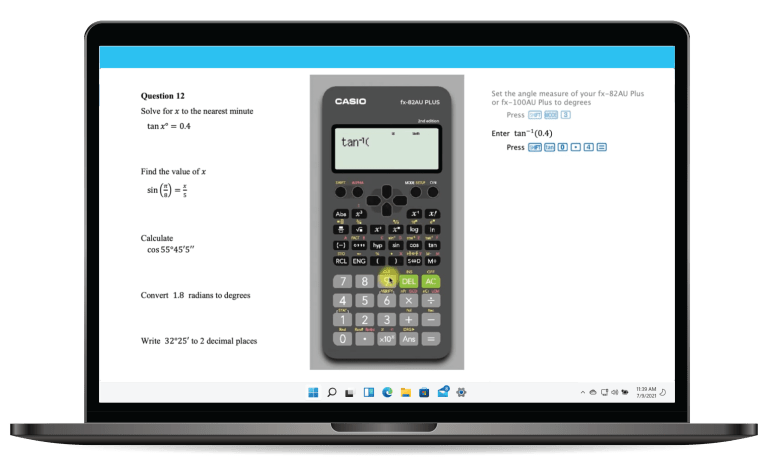
This software has recently been updated, as of November 2025.
fx-8200 AU license codes are available through Prime Schools Plus.
For activation instructions, please view our FAQs
GRAPHING & CAS CALCULATOR EMULATORS:
Graphing and CAS emulators provide full access to advanced calculator functions in a digital format. This is particularly useful for senior subjects where visualising graphs, working through multi-step solutions and demonstrating processes clearly is important.
Find model-specific downloads and licensing information below.
fx-1AU GRAPH EMULATOR
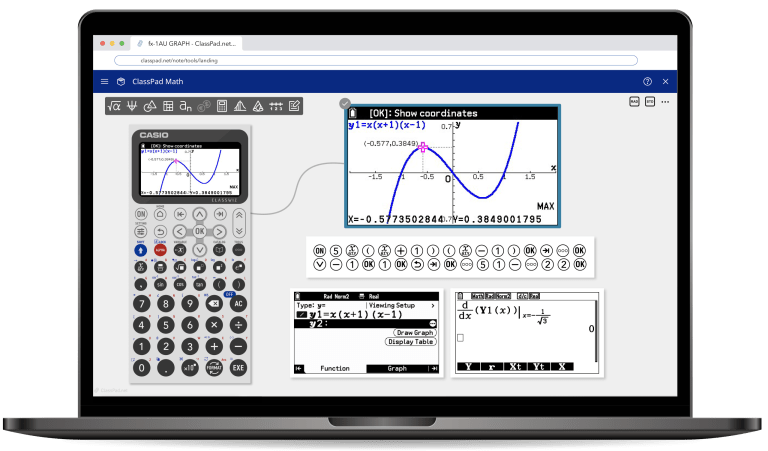
NOW AVAILABLE!
fx-1AU GRAPH license codes are available through Prime Schools Plus.
For activation instructions, please view our FAQs
fx-CG50AU EMULATOR
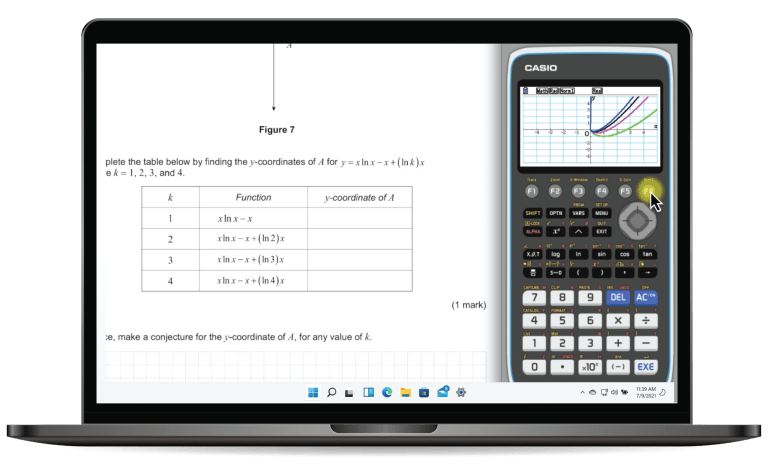
DOWNLOAD TRIAL SOFTWARE – WINDOWS
- v3.81 for Windows – released May 2025
- v3.80.02 for Mac – released July 2025
fx-CP400 ClassPad II EMULATOR
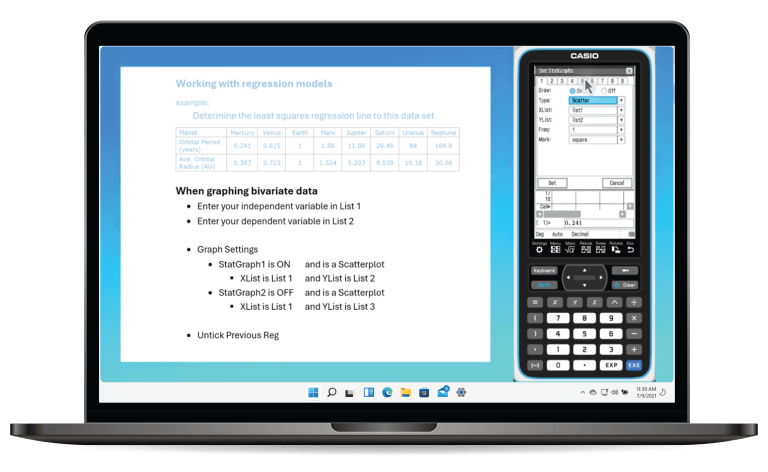
DOWNLOAD TRIAL SOFTWARE v2.01.7001.0002 – WINDOWS
- ClassPad Manager Subscription for ClassPad II Series
- v2.01.7001.0002 for Windows – released September 2025
DOWNLOAD TRIAL SOFTWARE v2.01.7001.0002 – MAC
- ClassPad Manager Subscription for ClassPad II Series
- v2.01.7001.0002 for Mac – released September 2025
DISCONTINUED MODEL EMULATORS:
Emulator software for discontinued CASIO models is still available, although updates are no longer provided. Performance may vary depending on your system and operating environment.
Refer to the model below for available downloads and any known limitations.
fx-100AU PLUS 2nd edition EMULATOR

Please be aware of updates to software:
WINDOWS: fx-100AU PLUS 2nd edition Windows compatible emulator software is up to date as of May 2025. Please ensure you are using the most recent software BEFORE you trial the software.
SYSTEMS REQUIREMENTS
- Windows®8.1, Windows®10
- Your hardware configuration needs higher than functionalities that operating system recommends.
- Computer with one of the Window® operating systems pre-installed (Excluding computers with an upgraded operating system and self-built computers.)
- 300 MB for installation and uninstall.
- Actual requirements and product functionality may vary based on your system configuration and operating system.
- Video adapter and display must support resolution of XGA (1024×768) or higher, 16 bit or higher system color.
- Internet Explorer®7.0 or later.
- Adobe® Reader®8.0 or later.
Operating Systems:
- macOS 10.14, 10.15, 11.2(Intel Core/Xeon)
- Your hardware configuration needs higher than functionalities that operating system recommends.
Computer:
- Computer with one of the Macintosh operating systems pre-installed.
Disk Space:
- 300 MB for installation and uninstall.
Note:
- Actual requirements and product functionality may vary based on your system configuration and operating system.
Other:
- Video adapter and display must support resolution of XGA(1024×768) or higher, 32bit system color.
- For Retina Display, use of the Low Resolution mode is recommended.
- Safari 5.1 or later.
- Adobe® Reader®8.1 or later.
- Macintosh, Mac OS, OS X, macOS, Safari and Retina are trademarks of Apple, Inc., registered in the United States and other countries.
- Adobe and Reader are either registered trademarks or trademarks of Adobe Systems Incorporated in the United States and/or other countries.